
Docs
Tasks
A single list of every to-do item across all your contacts, grouped by when it's due.
How to view your tasks
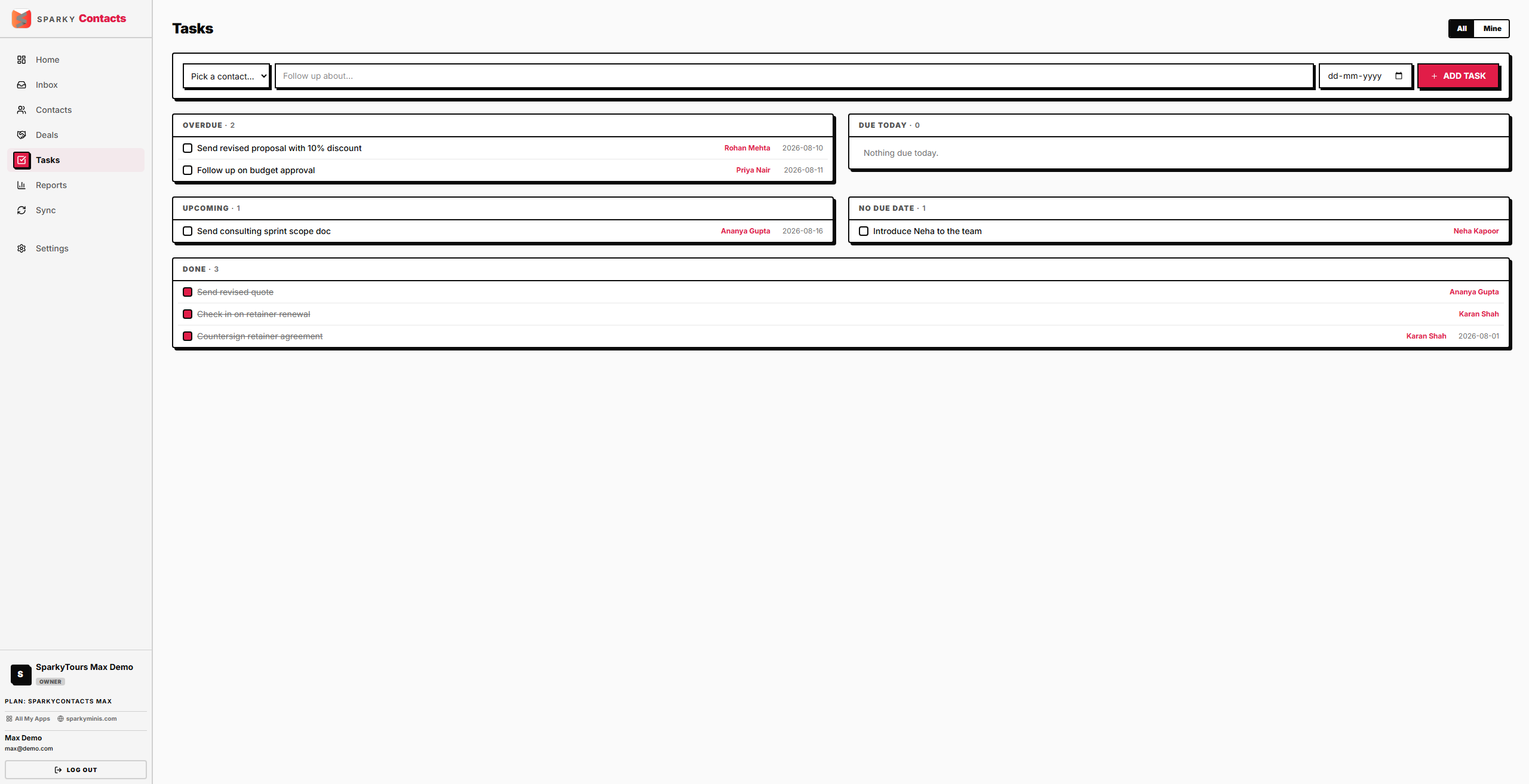
Open Tasks from the sidebar. Tasks are grouped into Overdue, Today, Upcoming, No due date, and Done. Turn on "Mine only" to see just the tasks assigned to you.
How to add a task
From the Tasks page, add a new task and pick which contact it's for from a dropdown, then enter a title (required) and optional due date. This is different from adding a task on a contact's own page, which already knows which contact it's for.
How to mark a task done or not done
Click the checkbox next to any task, from either the Tasks page or a contact's detail page.