
Reports
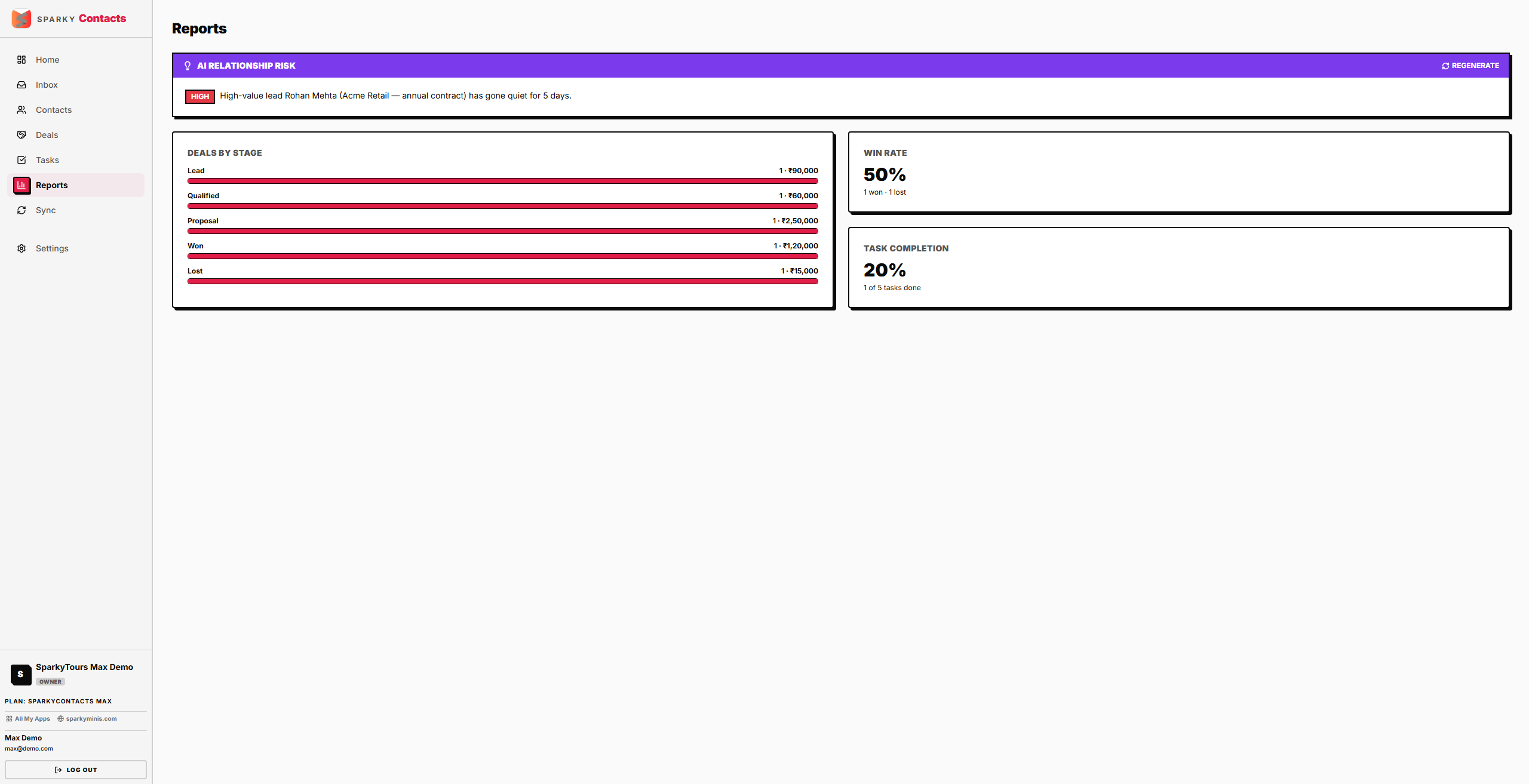
A pipeline overview: how your deals are distributed across stages, your win rate, and how much of your task list is done.
How to view pipeline reports
Open Reports from the sidebar. You'll see deal count and value broken down by stage, your win rate (deals won vs. lost, based on how your stages are configured — not fixed stage names), and your overall task completion rate.
If your plan doesn't include Reports, the page loads but shows no data — upgrade to unlock it.
How to check for at-risk relationships
At the top of Reports, click "Analyze risks" to scan your open deals for high-value contacts who've gone quiet. Each result shows a severity (e.g. "high") and a plain description of what looks off, such as a lead not being heard from in several days. Once you've run it, use "Regenerate" to refresh the analysis. This is available on the Max plan.