
Docs
Sync
Pull contacts in automatically from the other Sparky products you use, instead of re-entering people by hand.
How to view sync status
Open Sync from the sidebar. You'll see up to four possible sources — SparkyTours, SparkyProjects, SparkyInvoices, and SparkyExpenses — each showing when it was last synced and how many contacts have come from it, even if you've never synced that source.
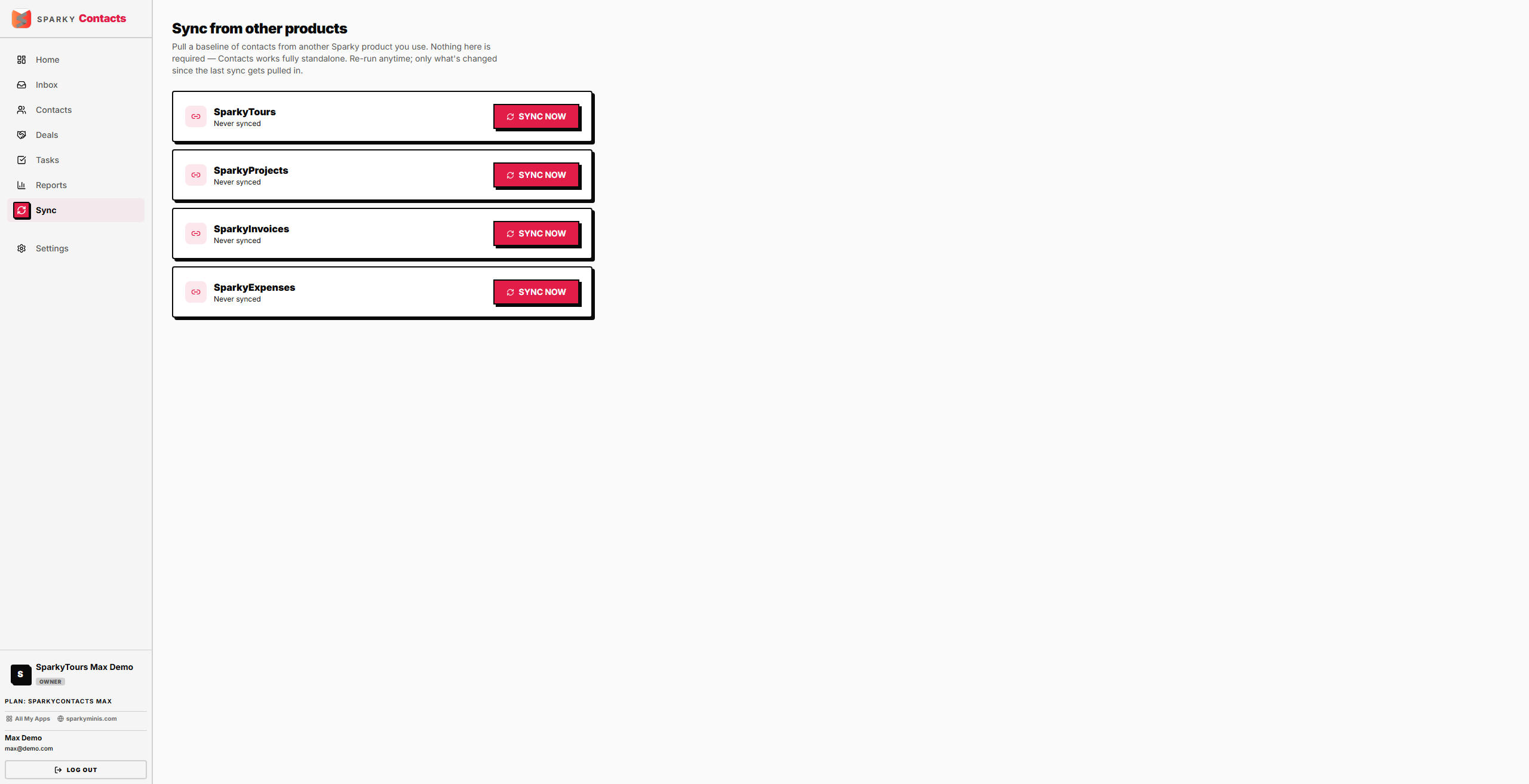
How to sync contacts from another Sparky product
Pick a source and start a sync. The first sync pulls everything from that product; later syncs only pull what's changed since last time. New people become new contacts; anyone already linked from a previous sync gets their existing contact record updated instead of a duplicate being created.
This feature is available on Plus and Max plans.