
Docs
Inbox
Support tickets and inbound messages tied to your contacts, powered by SparkyDesk.
How to view and reply to tickets
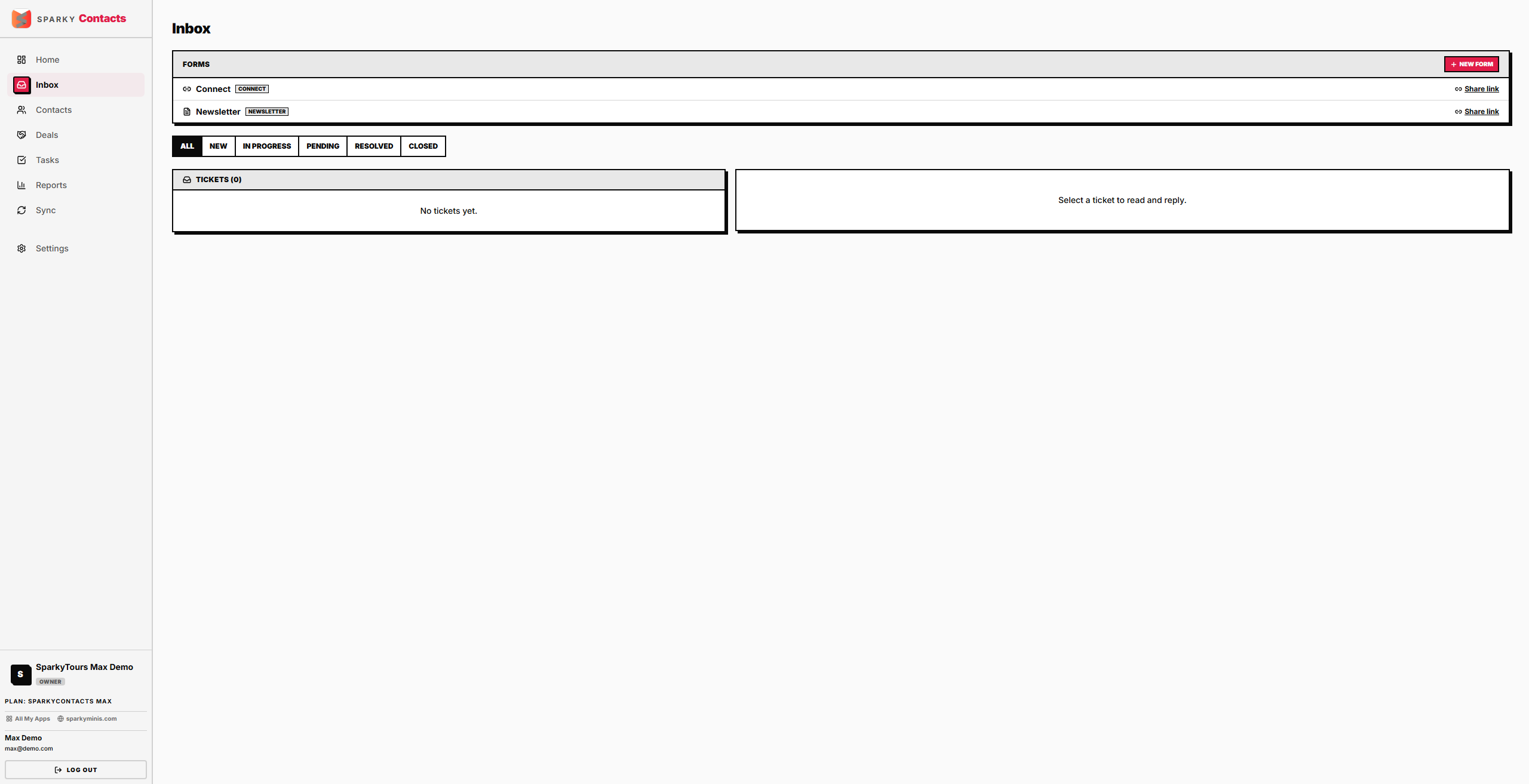
Open Inbox from the sidebar. Filter the ticket list by status, select a ticket to read its messages, and reply directly from there.
If the support-ticket service is temporarily unreachable, the page still loads with a clear "can't connect right now" state instead of failing entirely.
How to update a ticket's status, priority, or type
From an open ticket, change its status, priority, or type — each is saved independently.
How to review or dismiss unmatched messages
Inbox also shows messages that came in but couldn't be automatically matched to an existing ticket or contact. Dismiss one to clear it from the list.
How to create a public contact/support form
Create a form (defaults to a general "contact" form) to get a shareable public key you can use to embed a form elsewhere on your own site.