
Docs
Home
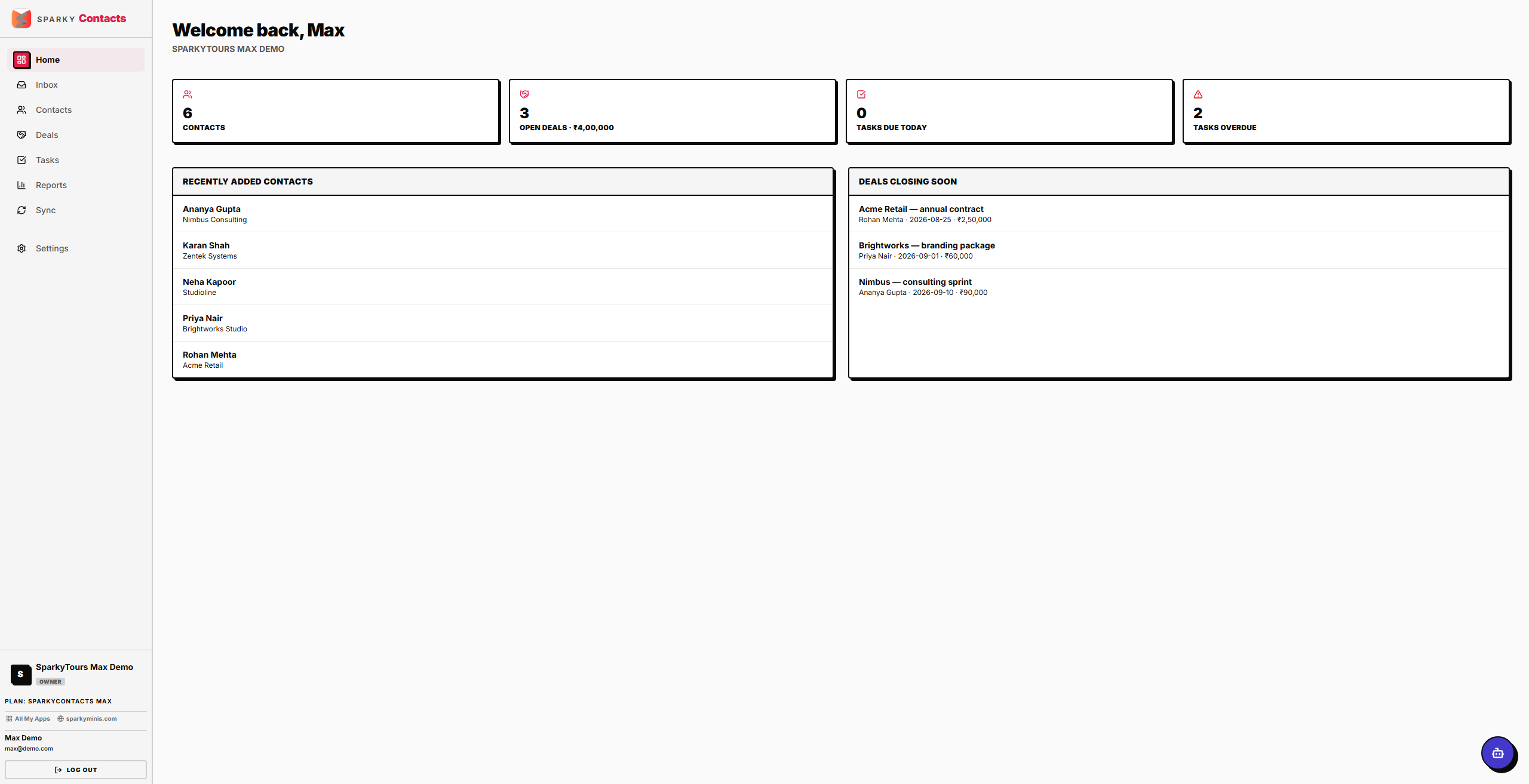
Your dashboard when you sign in — a quick snapshot of contacts, deals, and tasks that need attention.
How to read your dashboard
When you open SparkyContacts, you land on Home. It shows your total contact count, how many open deals you have and their combined value, tasks due today, overdue tasks, deals expected to close soon, and your five most recently added contacts.
How to finish setting up your organization
If your account doesn't have an organization set up yet, Home shows a short setup prompt instead of your stats. Enter your organization's name and submit — this activates your organization and takes you to the normal dashboard.